
User manual for the Xinbei Yang BTP-N58II thermal receipt printer covering setup, operation, specifications and troubleshooting.
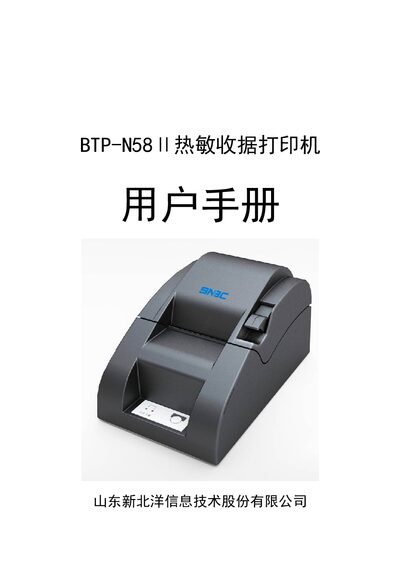
The BTP-N58II thermal receipt printer from Xinbei Yang connects via parallel, serial or USB interfaces and supports Windows drivers for both 32‑bit and 64‑bit systems. It is designed for small‑ to medium‑size POS installations such as shops and convenience stores.
The manual provides safety warnings, installation steps, interface definitions, technical specifications, consumable details, and a troubleshooting guide to help users maintain reliable printing performance. This manual is written in Chinese.
| Printing method | Direct thermal |
|---|---|
| Resolution | 203 dpi × 203 dpi |
| Print width | 48 mm (max) |
| Print speed | 50 mm/s (max) |
| Power input | DC 24 V ± 1.2 V, 1 A |
| Supported interfaces | Standard parallel (25‑pin), RS‑232 serial (9‑pin), USB |
| Paper width | 57.5 ± 0.5 mm |
| Maximum paper roll diameter | 60 mm |
| Dimensions (W×L×H) | 116 mm × 193 mm × 103 mm |
| Weight (without media) | ≈0.6 kg |
It supports a standard 25‑pin parallel interface, a 9‑pin RS‑232 serial interface, and a USB interface.
The printer can print up to 50 mm per second.
It requires a 24 V DC power supply with a rated current of 1 A.
Open the top cover, check the paper path, and remove any jammed paper before closing the cover.