
Brief Italian guide showing how to set frequency, store channels, adjust squelch, configure CTC tones and select band on the Wouxun KG-UV9Dplus radio.
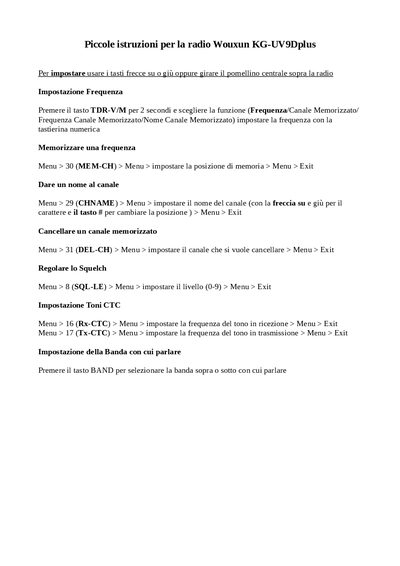
This short guide explains the basic operation of the Wouxun KG-UV9Dplus handheld radio. It walks the user through the essential steps for configuring the device for everyday communication.
Key functions covered include frequency selection, channel memory management, squelch adjustment, CTC tone programming, and band selection, each with the menu navigation required to perform the task. This manual is written in Italian.
Open Menu > 8 (SQL‑LE) and set the squelch level between 0 and 9.
Select Menu > 29 (CHNAME), use the up/down arrows to edit characters, press # to change position, then exit the menu.
Press the BAND button to move the band selection up or down.