
Dutch user manual for the Wouxun KG‑UV8D dual‑band handheld radio, covering programming, menus and operating instructions.
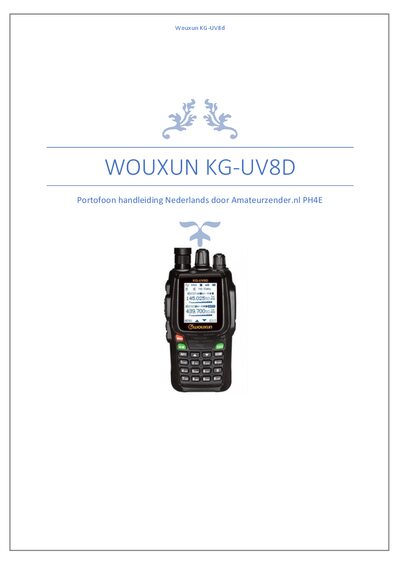
The Wouxun KG‑UV8D is a dual‑band handheld radio (handheld radio) intended for use by registered amateur radio operators in the Netherlands. It supports VFO operation, cross‑band repeater function and offers a clear display. Use of the device is restricted to amateur bands; operation on PMR frequencies is not permitted for unlicensed users.
The manual explains how to program the radio with the optional USB interface and Wouxun software, details each software tab (channel settings, configuration, VFO, key, scan groups, call settings) and provides step‑by‑step instructions for manual programming of simplex and repeater channels. Frequency limits, power settings, squelch issues and menu functions are also described. This manual is written in Dutch.
| Band coverage | 144‑146 MHz and 430‑440 MHz |
|---|---|
| Number of channels | 1000 |
| Transmit power | 1 W (Low) or 4 W (High) |
| Step size | 12.5 kHz |
| Mode | Dual‑band, dual VFO, cross‑band repeater |
The radio can store up to 1000 channels.
You can select either 1 W (Low) or 4 W (High) transmit power.
No, in the Netherlands it may only be used by registered amateur radio operators.
Enter VFO mode with the VFO/MR key, set the receive frequency, choose the appropriate shift, set the sub‑tone, then assign the channel number.