
Chinese operating manual for the Wideplus WP-80AL1 AL2 SET multi-channel inspection LCD display controller, covering operation, wiring, communication and…
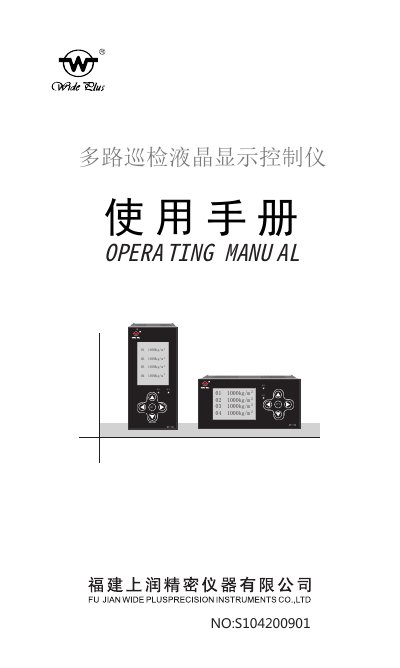
This is the operating manual for the Wideplus WP-80AL1 AL2 SET multi-channel inspection LCD display controller. It covers the overview, input/output signal switching, main technical parameters, operation guide, instrument calibration, communication and print interfaces, wiring diagram, installation and use, and model spectrum table.
The text states that the instrument uses universal signal input and can be configured for thermocouples, RTDs, millivolt, standard voltage and current signals. It has AL1 and AL2 alarm indicators, supports RS-232/RS-485 communication at 300 to 9600 bps, and can connect directly to serial printers using RS-232C. This manual is written in Chinese.
| RTD input | PT100, Cu50 and other specifications |
|---|---|
| Thermocouple input | B, S, K, E, J, T, WRe and other specifications |
| Voltage input | 0–5 V, 1–5 V or mV |
| Current input | 0–10 mA, 4–20 mA or 0–20 mA |
| Measurement range | -1999 to 9999 digits |
| Measurement accuracy | 0.5% FS ±1 digit |
| Temperature compensation | 0–50 °C (not compensated for type B thermocouple) |
| Display | Backlit LCD with Chinese/numeric display |
| Communication | 300–9600 bps, set by internal parameters |
| Power supply | AC/DC 85–265 V |
It is a universal-input instrument that can be set for thermocouple, RTD, millivolt, standard voltage and current signals.
Move the short-circuit ring on the input board to the side marked “I”; other signal types use the “V” side.
The baud rate can be set from 300 to 9600 bps through the instrument internal parameters.