
This manual provides operating instructions for the Vaisala HMI41 portable humidity and temperature indicator, including probe attachment, calibration, and…
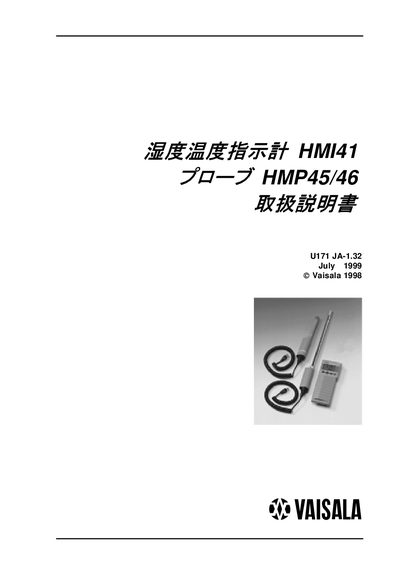
The Vaisala HMI41 is a portable humidity and temperature indicator designed for industrial monitoring, workplace safety, research, and fixed-point observation. It supports various probes, including the HMP45 and HMP46, and automatically recognizes connected probes to simplify setup. The device displays relative humidity, temperature, dew point, absolute humidity, wet-bulb temperature, and mixing ratio. This manual is written in Japanese.
| Resolution | 0.1 %RH; 0.1 ℃ |
|---|---|
| Operating Humidity Range | 0…100 %RH (no condensation) |
| Operating Temperature Range | -20…+60 ℃ |
| Storage Temperature Range | -40…+70 ℃ |
| Power Source | 4 AA batteries (LR6) |
| Battery Life | 72 hours continuous |
The HMI41 supports various probes, including the HMP42, HMP45, and HMP46.
Plug the probe cable into the connector labeled 'PROBE' on the bottom of the HMI41 unit.
The battery life is 72 hours of continuous operation.