
This manual provides operating instructions, safety guidelines, and specifications for the Uchida Yoko AeroCut Velocity paper cutting machine.
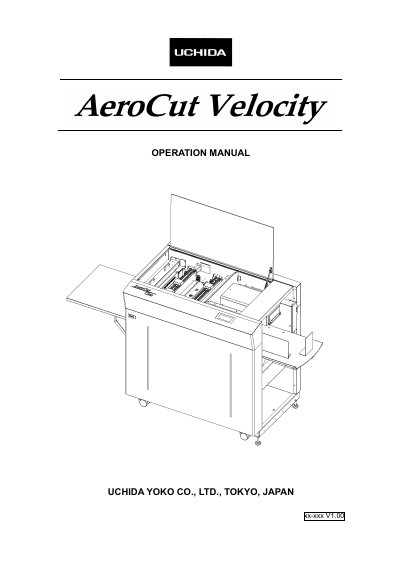
The Uchida Yoko AeroCut Velocity is a paper cutting machine designed for processing various paper stocks. The manual covers essential safety instructions, including warnings about rotating parts and electrical hazards, as well as detailed operating procedures for powering on, inputting cut patterns, and using optional accessories like the Y-perforator. It also explains how to adjust machine settings for paper feed, skew, and creasing.
| Maximum paper size | 14.6" x 26.75" |
|---|---|
| Minimum paper size | 8.25" x 8.25" |
| Paper weight | 120-400g/㎡ |
| Speed | 8.8 sheets per minute |
| Power supply | 110-120VAC, 50/60Hz |
| Power consumption | 400W |
The machine is suitable for paper stocks weighing between 120 and 400gsm.
Exceeding the maximum stack level may cause a mechanical failure.
You can turn up the Upper suction, turn up the Side blow, or shorten the PAPER FEED WORK TIME.