
User manual for the Transcend StoreJet 25 mobile portable USB hard drive, covering setup, connection, formatting, troubleshooting, and specifications.
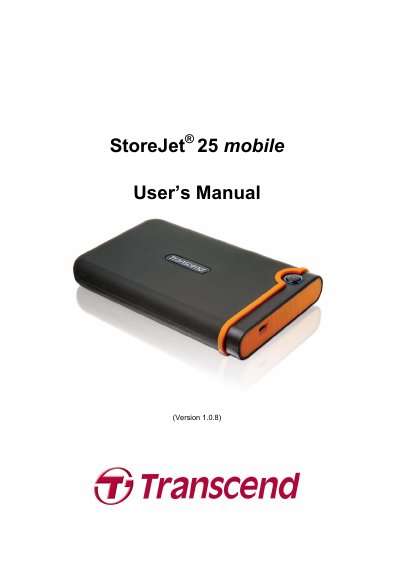
The Transcend StoreJet 25 mobile is a portable USB hard drive for uploading, downloading, storing, and transferring files between desktop and notebook computers. It supports Hi-Speed USB 2.0, includes a OneTouch Auto-Backup button, and comes with StoreJet elite software for Windows.
This manual explains package contents, system requirements, safety precautions, driver installation, connecting and disconnecting the drive, formatting, troubleshooting, specifications, and ordering information.
| Size (L x W x H) | 134 mm x 80.8 mm x 18.8 mm |
|---|---|
| Storage Media | 2.5-inch SATA Hard Disk Drive |
| Power Supply | 5V DC supplied from the USB port(s) |
| Maximum Transfer Speed | 480 Mbits per second |
| Operating Temperature | 5 C (41 F) to 55 C (131 F) |
| Certificates | CE, FCC, BSMI |
| Warranty | 2 years |
No drivers are required for Windows, Mac OS 9.0 or later, and Linux Kernel 2.4 or later.
The internal hard drive comes pre-formatted for FAT32.
Connect the spare large connector of the USB Y cable to a second USB port on the computer.
Format the StoreJet 25 with HFS+ using the Mac Disk Utility.