
The Transcend DrivePro Body 30 User Manual explains how to operate the body camera, including recording, the mobile app, Toolbox software, charging, and…
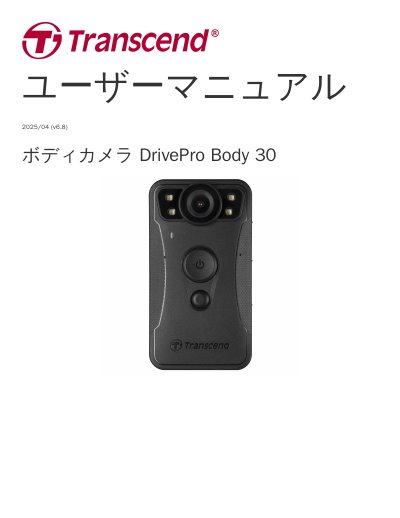
This Japanese user manual covers the Transcend DrivePro Body 30 body camera. It describes the package contents, parts and buttons, LED indicators, charging, recording modes, snapshot shooting, audio recording, and other functions.
The manual also explains the DrivePro Body app and DrivePro Body Toolbox software, file transfer to a PC, the optional charging dock, precautions, IP67 protection rating, specifications, and troubleshooting. This manual is written in Japanese.
| Dimensions | 95.9 mm (L) × 52.2 mm (W) × 27.6 mm (H) / 3.78" (L) × 2.06" (W) × 1.09" (H) |
|---|---|
| Weight | 130 g (4.6 oz) |
| Wi-Fi protocol | 802.11n |
| Storage | Built-in 64GB eMMC storage; supports 32GB/64GB/128GB/256GB/512GB/1TB |
| Lens | 2 megapixels, F/2.0, 130° wide angle (before Dec 2022); 4 megapixels, F/2.0, 130° wide angle (from Jan 2023) |
| Recording format | MOV (H.264); MP4 (H.264) |
| Battery | Lithium polymer, 3120mAh |
Yes. It can record while charging using an external power source that supports 5V/2A, such as a mobile battery.
Yes. It has IP67 dust protection and water resistance, plus shock resistance equivalent to MIL-STD-810G transit drop test conditions.
Press and hold the Power button and Snapshot button together for 5 seconds to reset, format, and power off. This is disabled by default and erases all data.
The package includes the DrivePro Body 30, power adapter, 3.5mm-USB conversion cable, magic tape 360° rotating clip and holder, and Quick Start Guide.