
User guide for Transcend DrivePro Body 30 body camera covering setup, recording, photo, Bluetooth sync, app use, and file transfer.
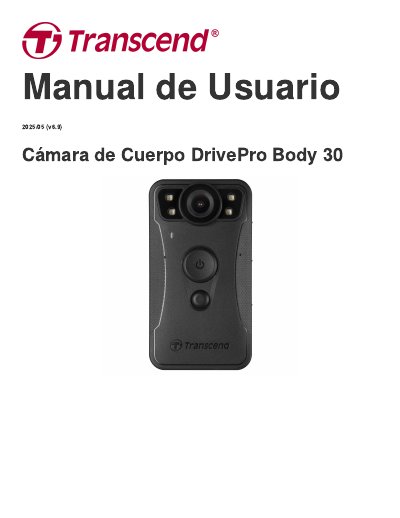
This manual covers how to set up and operate the Transcend DrivePro Body 30 body camera, including button functions, LED indicators, recording modes, photo capture, Bluetooth sync, app controls, and file transfer to a computer. It also includes troubleshooting, specifications, and compliance information.
The camera is IP67 waterproof and dustproof, supports infrared recording, and can be used with the DrivePro Body App or DrivePro Body Toolbox software for advanced features and file management. This manual is written in Spanish.
The DrivePro Body 30 has an IP67 rating for water and dust resistance.
To record while charging, an external power source of 5 V/2 A is required.
Use a thin object with a flat tip, such as a straightened paper clip, to press the Reset button on the bottom of the device.