
Transcend DrivePro 20 two-wheeler camera user manual covering installation, charging, operation, video recording, app use, troubleshooting, and specifications.
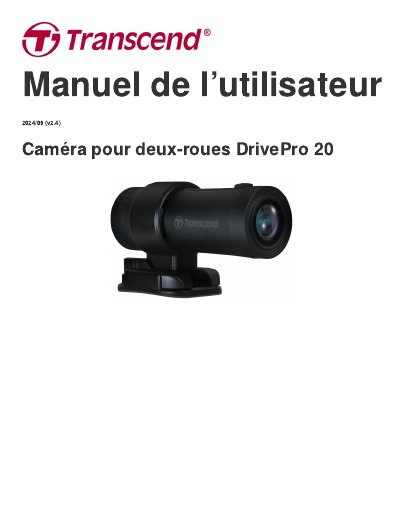
This user manual covers the Transcend DrivePro 20 two-wheeler camera. It describes package contents, product overview, microSD card insertion, mounting, battery charging, operation, and LED indicators.
The manual also explains normal and emergency video recording, using the DrivePro App and DrivePro Toolbox, file transfer, troubleshooting, safety precautions, specifications, EU declaration of conformity, recycling, FCC statement, warranty policy, GPL disclosure, EULA, and EAC mark. This manual is written in French.
| Dimensions | 90.2 mm x 30 mm x 30 mm (3.55" x 1.18" x 1.18") |
|---|---|
| Weight | 74 g (2.6 oz) |
| Interface | USB 2.0 |
| Wi-Fi frequency | 2.4 GHz |
| Lens | F/2.8, 140° (diagonal) |
| Video format | MP4 (H.264: up to 1920×1080 60FPS) |
| Operating temperature | -10°C (14°F) ~ 60°C (140°F) |
| Battery | Li-Polymer 1140 mAh |
| IP classification | IP68 |
| Warranty | 2 years |
When the DrivePro 20 is fully charged, recording can last 4 hours.
Transcend High Endurance microSD cards or MLC memory cards are recommended for best recording performance.
The camera has an IP68 classification.
Press the power button for 3 seconds to turn the camera on or off.