
User guide for Trane XL824 Smart Control, a color touch-screen thermostat with Nexia™ Home Intelligence integration for HVAC and Z-Wave device control.
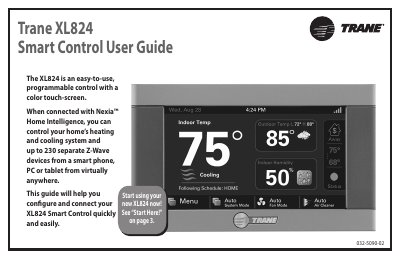
This guide helps you configure and connect your Trane XL824 Smart Control to Nexia™ Home Intelligence. It covers setup, navigation, temperature control, scheduling, and device configuration. The thermostat allows remote control of HVAC systems and up to 230 Z-Wave devices via smartphone, tablet, or computer.
The guide includes steps for user setup, screen settings, scheduling, 1-Touch presets, weather integration, and security features. It also explains how to manage Z-Wave devices and perform software upgrades.
Up to 230 Z-Wave devices can be connected to the XL824.
Nexia™ Home Intelligence is a cloud-based platform that allows you to monitor and control your HVAC system and Z-Wave devices from a smartphone, tablet, or computer.
Press MENU > SETTINGS > USER SETUP WIZARD to access the User Setup Wizard.