
User guide for the Trane XL1050 Smart Control, covering navigation, settings, scheduling, and Z-Wave bridge configuration for residential climate control.
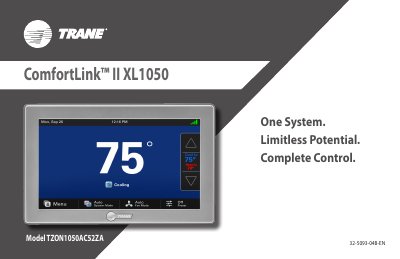
The Trane XL1050 Smart Control is a large color touch screen device designed for climate control in residential heating and air conditioning systems. It features an intuitive interface that allows users to control their home's heating and cooling system, view weather forecasts, and manage schedules directly from the device or via a web-enabled smartphone, PC, or tablet when connected to a Trane Home account.
This guide provides instructions on navigating the Home, Menu, and Settings screens. It covers customizing the home screen with widgets, setting up one-touch presets, configuring schedules, and managing network settings including Wi-Fi and the built-in Z-Wave bridge for home automation.
The device must be connected to a Trane Home account to serve as the central hub for an entire network of home automation devices.
Up to eight Trane smart controls of any combination can be connected to a Trane Home account without a monthly service fee.
You must allow at least 1 hour for the control to acclimate to ambient room conditions before the temperature display is accurate.