
User manual for the DVR in Toyota Corolla Cross March 2021, covering installation, operation, settings, and safety.
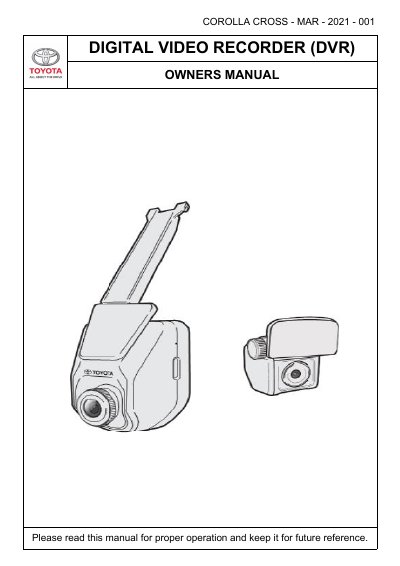
This manual guides users on installing, operating, and customizing the Digital Video Recorder (DVR) in the Toyota Corolla Cross (March 2021). It covers features like emergency recording, parking mode, and safety systems such as Lane Departure Warning and Forward Collision Warning. The DVR requires a Class 10 MicroSD card (16–128GB) and automatically starts recording when the engine is on. Users can adjust settings including video resolution, exposure, G-sensor sensitivity, and driver alert intervals.
Safety instructions emphasize that the DVR is not a replacement for attentive driving and warn against using it while driving to avoid distractions.
| Memory Card Requirement | Class 10 MicroSD Card, 16GB–128GB |
|---|---|
| Video Resolution Options | FHD (1920 x 1080p) or HD (1280 x 720p) |
The DVR supports Class 10 MicroSD cards with capacities between 16GB and 128GB.
Yes, press the RED BUTTON on the Front DVR to manually start emergency recording.
The Driver Alert feature reminds the driver to take a break after a pre-set time (1–3 hours).