
TomTom LINK 100 Installation Guide

Step-by-step instructions for installing the TomTom LINK 100 dongle in a vehicle using the CURFER app.
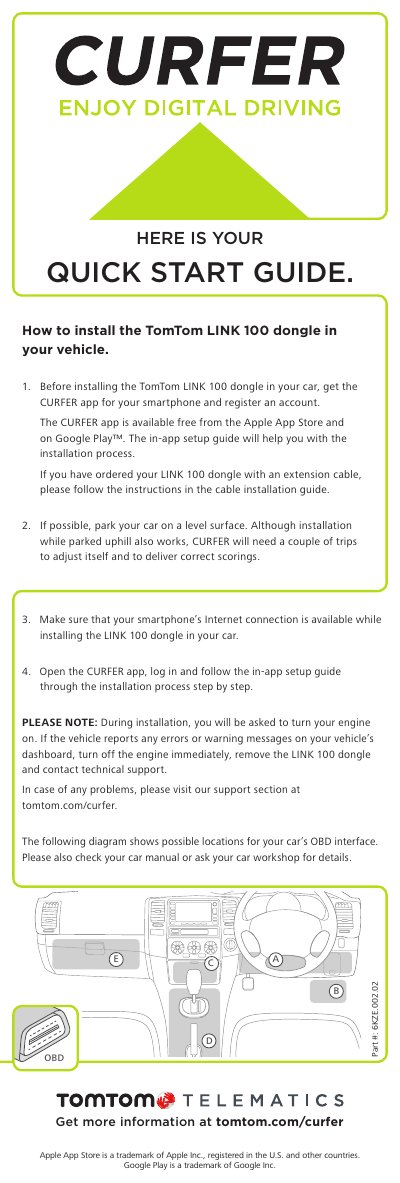

TomTom LINK 100 Installation Guide - cover page
Brand
TomTom
Category
Vehicle GPS
Document type
Installation Guide
Language
English
Pages
1
File format
PDF
File size
156 KB
Published
02 November, 2026
Updated
02 November, 2026
MD5 checksum
16BE935073323A4E83F8788D11D808AA

About this manual

This guide explains how to install the TomTom LINK 100 dongle in your vehicle. You’ll need to download the CURFER app, log in, and follow the in-app setup. Ensure your smartphone has Internet access during installation. If your vehicle reports errors, turn off the engine, remove the dongle, and contact support. The guide also includes OBD interface location notes and a support URL.

What's inside

  • Installing the LINK 100 dongle
  • Using the CURFER app
  • OBD interface location
  • Troubleshooting

Frequently asked questions

What must you do with your engine during the installation process?

You will be asked to turn your engine on.

What should you do if your vehicle shows errors or warning messages?

Turn off the engine immediately, remove the dongle, and contact technical support.

Where can you find the in-app setup guide for the installation?

You must open the CURFER app, log in, and follow the guide.

Download PDF (156 KB)

More TomTom Manuals


View all TomTom manuals →