
This guide explains how to set up the TomTom RDS-TMC Traffic Receiver, for receiving traffic information to help improve your journey times and travel planning.
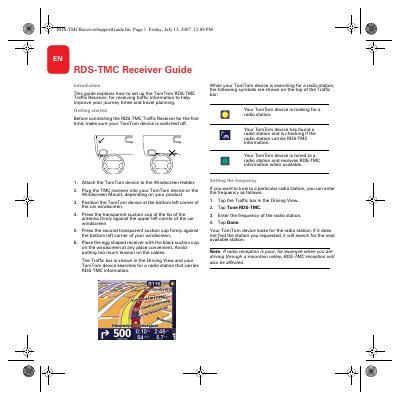
This document provides instructions for setting up the TomTom RDS-TMC Traffic Receiver. It details the physical installation process, including attaching the device to the windscreen holder and positioning the suction cup antenna correctly to ensure optimal reception.
The guide also covers software configuration steps within the TomTom device interface. Users learn how to set the country for traffic reports, tune specific radio frequencies, and interpret traffic incident data displayed in the Driving View.
It receives traffic information to help improve journey times and travel planning.
Press the transparent suction cup at the tip of the antenna firmly against the upper left corner of the car windscreen.
You will only receive RDS-TMC traffic information for that neighboring country.