
Quick start manual and warranty documentation for TechniSat TechniVision 22/26/32 HD TVs, covering connections, remote control, safety, disposal and…
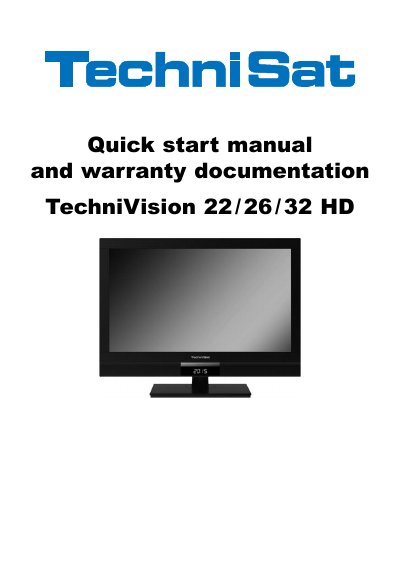
This quick start manual and warranty documentation covers rear-panel connections, remote control functions, front display, safety and disposal notes, power consumption, and warranty registration for the TechniVision 22 HD, 26 HD and 32 HD televisions.
It also explains intended use, manufacturer declaration, battery replacement, remote control code switching, connection examples, and the service report and registration card process.
| Mains power | 230 V/50 Hz (26/32 HD and 22 HD via supplied mains power unit) or 12 V DC (22 HD) |
|---|---|
| Ventilation gap | Minimum 10 cm around the unit |
| Warranty | Two-year legal warranty; optional five-year guarantee (three-year guarantee plus two-year parts guarantee, excluding screen, remote control and housing parts) |
| Remote control code options | TV, SAT1 or SAT2 |
| Compliance | CE mark; EU directives 2006/95/EC and 2004/108/EU |
It requires 230 V/50 Hz (26/32 HD and 22 HD via the supplied mains power unit) or 12 V DC (22 HD).
A minimum ventilation gap of 10 cm around the unit is required.
By ticking the first consent box and signing the registration card, which must be received within four weeks after purchase.
Immediately remove the mains plug and advise the service department.