
This quick start guide describes how to use the BFBS TechniSat Set Top Box.
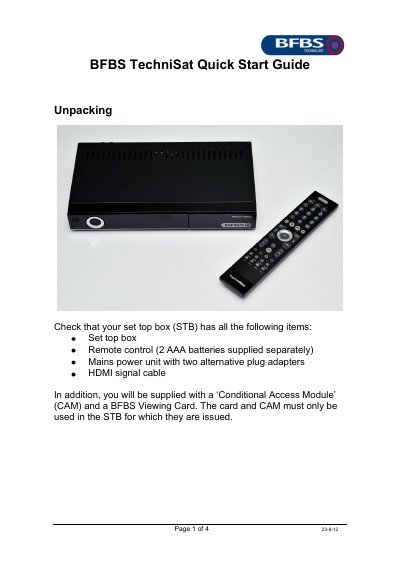
This four-page quick start guide covers initial setup of the BFBS TechniSat TechniStar S1 set-top box. It explains what should be in the box, how to fit the mains plug adapter and connect the cable feed, and how to choose TV connections such as HDMI, SCART or RCA phono.
The guide also describes inserting the Conditional Access Module (CAM) and BFBS Viewing Card, removing the CAM, and enabling the viewing card. It lists support details to provide to BFBS and points to the BFBS/TechniSat User Guide and www.bfbs.com/tvhelp for more help.
| Mains supply | 230 V supply |
|---|---|
| TV connections | HDMI, SCART and RCA phono |
| Viewing card number length | 11 digits |
| CAM identifier length | 14 characters |
Use the HDMI connection if it is available; the guide says this is the one to choose.
It can take up to two hours for the card to begin working.
Press the lever at the right of the CAM slot, then pull the CAM straight outwards once it is released.
Identify the STB as the TechniStar S1 version.