
Key facts
- Manuals
- 1
- Languages
- EN
- Last added
- 2023-10-31
Featured TechniSat manuals
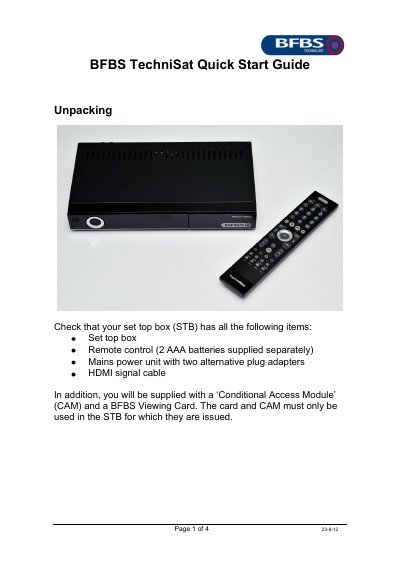
TechniSat TechniStar S1 BFBS Set-Top Box Quick Start Guide
This four-page quick start guide covers initial setup of the BFBS TechniSat TechniStar S1 set-top box. It explains what should be in the box, how to fit the mains plug adapter and connect the cable feed, and how to choose TV connections such as HDMI, SCART or RCA phono.
The guide also describes inserting the Conditional Access Module (CAM) and BFBS Viewing Card, removing the CAM, and enabling the viewing card. It lists support details to provide to BFBS and points to the BFBS/TechniSat User Guide and www.bfbs.com/tvhelp for more help.
Covers: Unpacking · Connections · Television Connections · Optional connections · CAM and viewing card · Card enabling
Latest TechniSat manuals
TechniSat TechniStar S1 BFBS Set-Top Box Quick Start Guide
Quick Start Guide 4 pages · 193 KB · ENQuick start guide for the BFBS TechniSat TechniStar S1 set-top box covering unpacking, connections, CAM and viewing card setup, and card enabling.
Which document do I need?
Quick Start Guide
The shortest path to a working setup, usually only a few pages.
Questions answered in TechniSat manuals
Which TV connection should I use if my television has HDMI?
Use the HDMI connection if it is available; the guide says this is the one to choose.
From: TechniSat TechniStar S1 BFBS Set-Top Box Quick Start Guide
How long can it take before the BFBS Viewing Card starts working?
It can take up to two hours for the card to begin working.
From: TechniSat TechniStar S1 BFBS Set-Top Box Quick Start Guide