
This is the user manual for the TCL mobile phone, covering features, usage instructions, and maintenance guidelines.
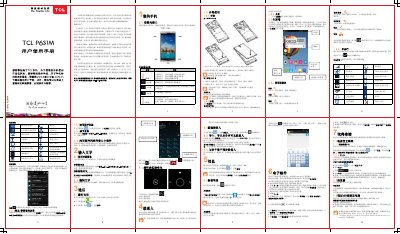
This document serves as a comprehensive guide for the TCL mobile phone. It provides detailed instructions on basic operations such as turning the device on and off, navigating the main screen, and managing applications. The manual also explains how to insert SIM cards and SD cards, adjust volume settings, and use various multimedia features like calling and messaging. This manual is written in Chinese.
Long press the power key until the power options appear, then select Power On.
Use the USB transmission cable to connect the phone to your computer's USB port.