
User manual for the TAKAEI TD.I digital camera and EyeCAM image filing software, covering system requirements, operation, and settings.
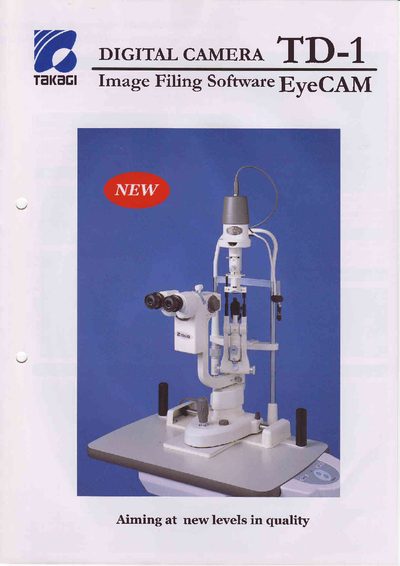
The manual describes the TAKAEI TD.I digital camera, which uses a 1.45‑megapixel CCD and stores still images as JPEG files of about 100 KB. Images are transferred via an IEEE 1394 cable that also supplies power, and a built‑in yellow filter can improve cornea fluorescence imaging.
The accompanying EyeCAM software provides six scene‑file presets, live preview with adjustable sliders, video capture at 11 fps, and optional trigger functionality using a joystick button on the slitlamp. System requirements include Windows XP, a PCI IEEE 1394 board, and a Pentium IV‑class CPU.
| CCD resolution | 1.45 megapixels |
|---|---|
| Maximum image size | 1280 × 960 pixels (Format 2) |
| Video frame rate | 11 fps |
| Data interface | IEEE 1394 (FireWire) |
| Power consumption | < 3 W @ 12 V DC |
| Supported color modes | 8‑bit Raw8 (Mono), YUV 4:2:2, YUV 4:1:1 |
An IEEE 1394 (FireWire) cable is used for high‑speed image transfer and also supplies power to the camera.
Settings can be saved in six different scene files, each optimized for a specific region or iris color.
Video images are captured at 11 frames per second.