
The N310 motor driver manual provides safety guidelines, installation steps, operation instructions, and troubleshooting for safe and reliable use.
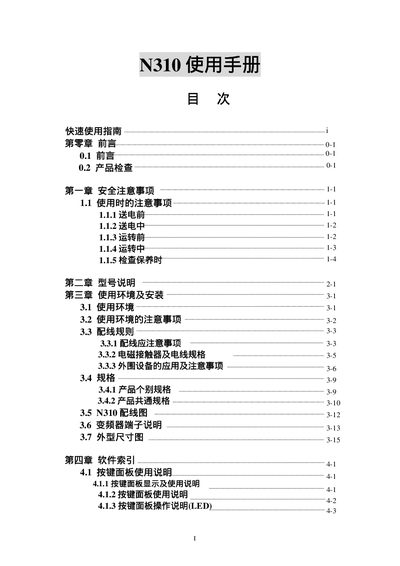
This manual covers all aspects of the N310 motor driver, including safety precautions, wiring rules, parameter settings, and fault diagnosis. It guides users through proper installation, connection to AC power sources, and operation via the control panel.
Additional sections describe external components, frequency adjustment, and maintenance procedures, ensuring the device operates within its rated voltage and power specifications. This manual is written in Chinese.
| Voltage Rating (220V version) | 0.4‑2.2 kW |
|---|---|
| Voltage Rating (380V version) | 0.75‑11 kW |
Connect the AC power source, then press the start button on the control panel; the seven‑segment display will light up within 3‑5 seconds.
Use the * key on the control panel to adjust the frequency setting; the new frequency is applied immediately.
Install the driver on non‑flammable material, ensure proper grounding, and match the power source rating with the device specifications.