
Stata documentation for import excel and export excel, covering syntax, options, examples, and Excel file handling on Windows, Mac, and Linux.
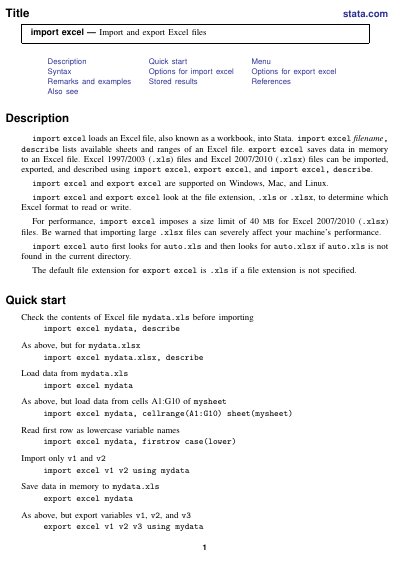
The document describes Stata's import excel and export excel commands for loading Excel workbooks into Stata and saving data in memory to Excel files. It covers both Excel 1997/2003 (.xls) and Excel 2007/2010 (.xlsx) files and notes support on Windows, Mac, and Linux.
It presents quick-start examples, menu paths, syntax, and options for both commands, including worksheet and cell-range selection, first-row handling, replacement behavior, and locale settings. It also covers remarks and examples, Excel date and mixed-data-type notes, stored results from describe, and references.
| Supported Excel formats | Excel 1997/2003 (.xls) and Excel 2007/2010 (.xlsx) |
|---|---|
| Supported operating systems | Windows, Mac, and Linux |
| .xlsx import size limit | 40 MB |
| Default export file extension | .xls |
| Default locale | UTF-8 |
| .xls worksheet size limit | 65,536 rows by 256 columns |
| .xlsx worksheet size limit | 1,048,576 rows by 16,384 columns |
Use import excel filename, describe; it lists the available sheets and ranges in the workbook.
They can import, export, and describe Excel 1997/2003 (.xls) and Excel 2007/2010 (.xlsx) files.
.xls.
Yes; the document states they are supported on Windows, Mac, and Linux.