
Key facts
- Manuals
- 3
- Languages
- EN
- Last added
- 2023-10-19
Featured Stata manuals
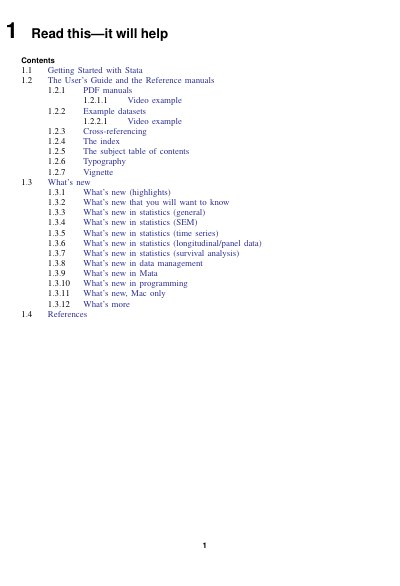
Stata User's Guide
The Stata User's Guide is a core component of the Stata documentation set, designed to help users navigate the software's capabilities. It is divided into three main sections: Stata basics, Elements of Stata, and Advice. The guide is intended to be read from cover to cover to gain a broad understanding of the program, though specific chapters can be consulted for targeted information.
Covers: Getting Started with Stata · The User's Guide and the Reference manuals · PDF manuals · Example datasets · Cross-referencing · The index
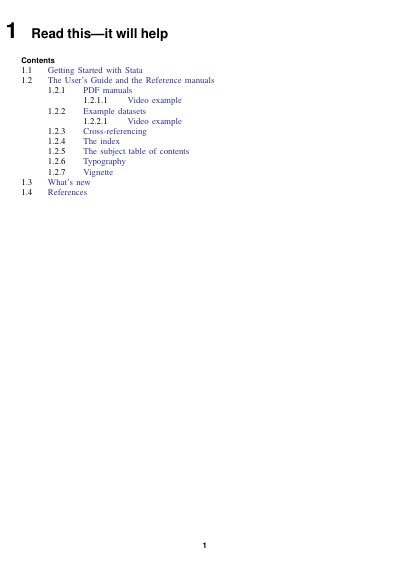
Stata User's Guide
This manual serves as an introduction to the Stata documentation suite, distinguishing between the User's Guide and the various Reference manuals. It outlines the structure of the User's Guide, which covers Stata basics, elements, and advice, and explains how to use the Reference manuals for specific commands.
The guide provides practical instructions on accessing the PDF documentation within Stata, utilizing example datasets like 'auto.dta', and cross-referencing between different manuals. It also details the typographic conventions used to distinguish between commands and explanatory text.
Covers: Getting Started with Stata · The User's Guide and the Reference manuals · PDF manuals · Example datasets · Cross-referencing · The index
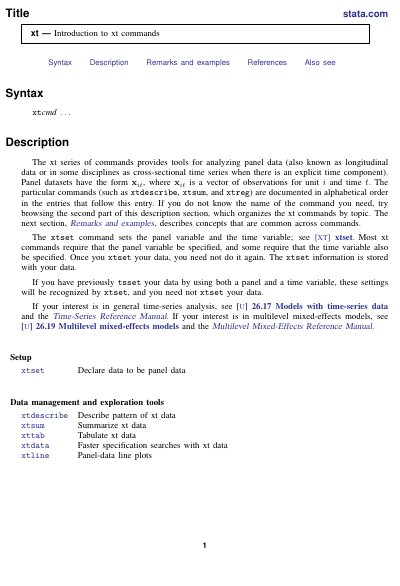
Stata xt Introduction to xt commands
The document provides an introduction to the xt series of commands in Stata, which are designed for analyzing panel data (also known as longitudinal data). It explains that panel datasets consist of observations for units over time and details the requirement to use the xtset command to declare the panel and time variables before using other xt commands.
The manual categorizes the available commands into several functional groups, including data management and exploration tools (such as xtdescribe and xtsum), linear regression estimators (like xtreg and xtgls), unit-root tests, dynamic panel-data estimators, and estimators for censored, binary, ordinal, and count data outcomes.
Covers: Syntax · Description · Remarks and examples · Setup · Data management and exploration tools · Linear regression estimators
Latest Stata manuals
Stata User's Guide
User Manual 23 pages · 312 KB · ENThis manual provides a comprehensive guide to using Stata, covering basics, data management, programming, and advice for users.
Stata User's Guide
User Manual 7 pages · 145 KB · ENThis document introduces the Stata User's Guide and Reference manuals, explaining how to navigate the documentation, access example datasets, and understand…
Stata xt Introduction to xt commands
User Manual 8 pages · 145 KB · ENThis manual introduces the xt series of commands in Stata for analyzing panel data, covering data setup, exploration, and various estimation methods.
Which document do I need?
User Manual
Day-to-day operation, settings and troubleshooting. Start here if the product is already set up.
Questions answered in Stata manuals
What is the recommended reading order for a new user?
Users should first read the Getting Started manual for their specific operating system, then proceed to the User's Guide.
From: Stata User's Guide
How many pages does the complete Stata documentation set contain?
The complete set contains more than 11,000 pages of information across various manuals.
From: Stata User's Guide
What are the three sections of the User's Guide?
The User's Guide is divided into three sections: Stata basics, Elements of Stata, and Advice.
From: Stata User's Guide
How can I access Stata's PDF documentation?
You can access the complete PDF documentation from within Stata by selecting Help > PDF documentation.
From: Stata User's Guide
What type of data do the xt commands analyze?
The xt series of commands provides tools for analyzing panel data, which is also known as longitudinal data or cross-sectional time series when there is an explicit time component.
What command must be run to set the panel and time variables?
The xtset command sets the panel variable and the time variable, and this information is stored with the data so it does not need to be specified again.