
This manual covers the operation, setup, and specifications of the SPRT SP-TL21N desktop thermal label printer.
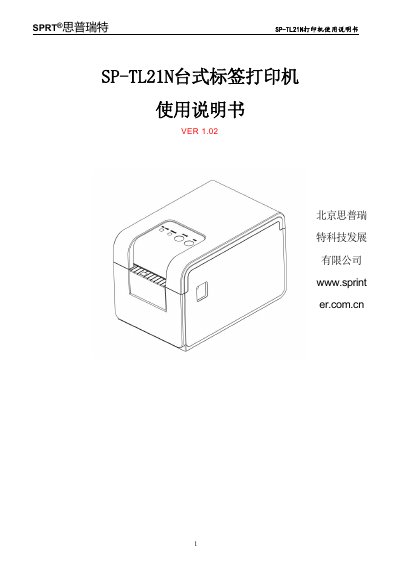
This document is the user manual for the SPRT SP-TL21N desktop thermal label printer. It provides instructions on safety precautions, installation of paper rolls, and basic operational functions such as power on/off and manual feeding. The guide also details how to connect the printer via USB, serial, or Bluetooth interfaces and explains various printing modes including hexadecimal and barcode printing.
The manual includes a section on printer specifications, covering print resolution, speed, supported paper sizes, and environmental operating conditions. It also describes the physical appearance, control panel layout, and LED indicator meanings to assist users in troubleshooting and daily usage. This manual is written in Chinese.
| Print Method | Line thermal printing |
|---|---|
| Max Print Width | 56mm |
| Resolution | 203 dpi |
| Max Print Speed | 127mm/s |
| Dimensions | 197x126x132mm |
| Weight | 970g |
| Power Supply | DC12V±5%, 2A |
| Operating Temperature | 0°C to 50°C |
The SP-TL21N model supports USB, serial port, and Bluetooth communication interfaces.
The printer supports a maximum label size of 56mm width by 45mm height.