
This manual provides operating instructions, installation steps, and parameter settings for the SPRT SP-RME4 thermal printer.
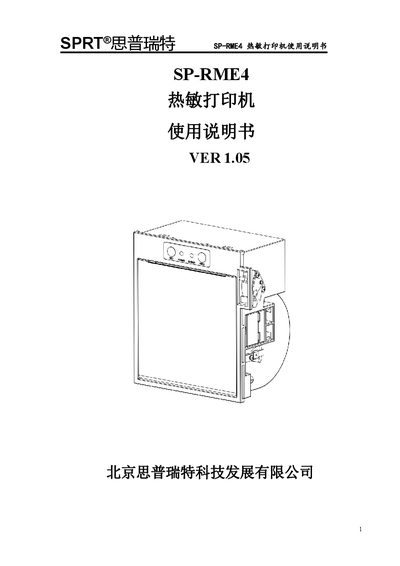
The SPRT SP-RME4 is a new type of embedded line-type thermal printer featuring fast printing speed, low noise, high reliability, and no need for ribbons. It supports both RS-232C serial interfaces and Mini-USB connections.
This guide covers the installation process, paper loading procedures, interface wiring diagrams, and operation of indicator lights and buttons. It also details how to enter hexadecimal printing mode and configure printer parameters such as baud rate, font matrix, and print density via button combinations. This manual is written in Chinese.
| Print Method | Line-type thermal printing |
|---|---|
| Paper Width | 79.5±0.5mm/57.5±0.5mm |
| Print Density | 8 points/mm, 576 dots/line |
| Max Print Speed | 170mm/s |
| Print Head Life | 100km |
| Cutting Blade Life | 1,000,000 cuts |
| Power Supply | DC24V±10%, 2A |
| Operating Temperature | -10℃~50℃ |
The maximum printing speed is 170mm per second.
Hold down the [SET] button, then hold down the [FEED] button simultaneously to release both.