
This manual covers the operation, installation, and maintenance of the SPRT SP-TL24/TL25 desktop thermal label printer.
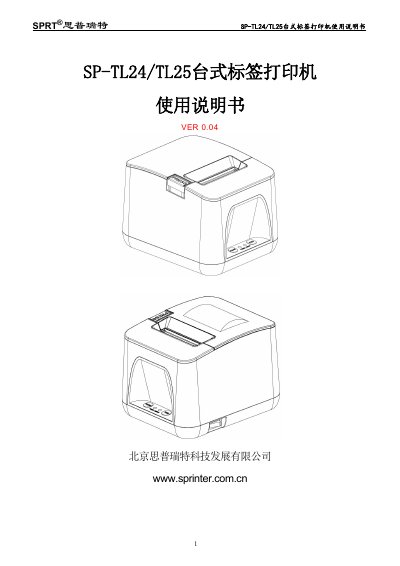
This document is the user manual for the SPRT SP-TL24 and SP-TL25 series desktop thermal label printers. It provides detailed instructions on safety precautions, printer appearance, and performance specifications including print density, speed, and supported paper sizes.
The guide explains how to install the paper roll, power on the device, and perform self-tests. It also details how to connect the printer via USB or Bluetooth, configure parameters using the front panel keys, and upgrade the firmware. Finally, it includes instructions for cleaning the print head and maintaining the device. This manual is written in Chinese.
| Print Method | Line thermal printing |
|---|---|
| Print Width | 48mm/56mm (Max) |
| Resolution | 8 dots/mm (203 dpi) |
| Print Speed | 100mm/s (Max) |
| Power Supply | DC 12V ±5%, 2A |
| Dimensions | 160(L)X130(W)X115(H)mm |
The maximum print width is 56mm.
Open the paper cover, hold the FEED button, turn on the power, wait for the lights to flash, then close the cover.
The printer supports UPC-A, UPC-E, EAN-13, EAN-8, CODE39, ITF-25, CODABAR, CODE93, CODE128, PDF417, QR Code, and Data Matrix.