
This manual provides instructions for operating, programming, and maintaining the Spektrum DX9 transmitter, including setup, telemetry, and troubleshooting.
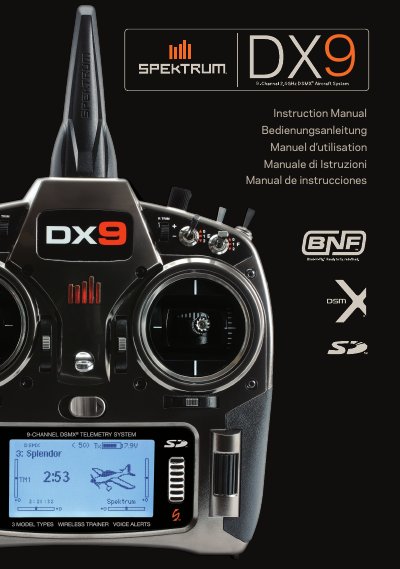
The Spektrum DX9 is a sophisticated hobby-grade remote control transmitter designed for unmanned vehicles and aircraft. It features a built-in 2000mAh Li-Ion battery with an internal charger, a global power supply, and an SD card for data management. The device supports up to 250 models and includes advanced features such as voice alerts, selectable sound menus, and assignable flight modes.
The manual covers essential topics including battery charging procedures, binding the transmitter to receivers or ESCs, programming failsafe positions, and configuring model types for airplanes, helicopters, and sailplanes. It also details system settings, telemetry configuration, physical adjustments, and troubleshooting steps.
| Battery Capacity | 2000mAh |
|---|---|
| Model Memory | 250 models |
| Charge Rate | 200mAh |
| Low Voltage Limit (LiPo/Li-Ion) | 6.4V |
The first time you charge the transmitter battery, the charge time may be 12–15 hours.
No, you must never connect an external battery charger to the DX9 transmitter; remove the battery to charge it externally.
Batteries should be charged between 50–80 degrees F or 10–27 degrees C.