
The document introduces the features and characteristics of the Spektrum DX5e 5-channel DSM2 Full Range System
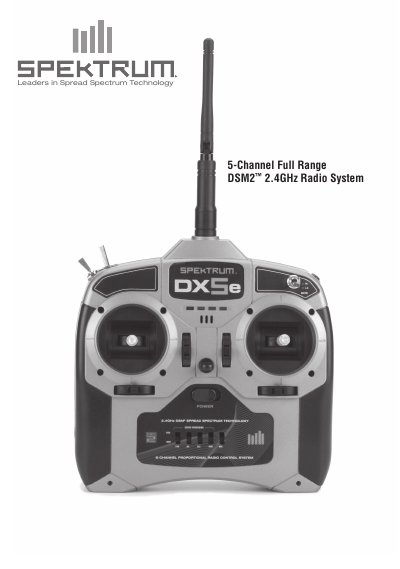
The Spektrum DX5e is a 5‑channel DSM2 full‑range 2.4 GHz radio system designed for sport‑size electric, gas and glow‑powered airplanes. It transmits on two frequencies simultaneously and works with the included AR500 receiver, providing dual‑path RF redundancy and two aileron outputs.
The guide covers battery installation, charging, digital trims, low‑battery alarm, trainer operation, binding the receiver, range testing, failsafe settings, servo reversing, high/low rate control, optional accessories, warranty information, and disposal instructions.
| Battery requirement | 4 AA batteries |
|---|---|
| Low battery alarm voltage | 4.7 V |
| Charging current | 150 mA (transmitter and receiver) |
| Charge jack polarity | center‑pin negative |
The DX5e requires four AA batteries.
The alarm sounds when the battery voltage falls below 4.7 V.
Hold the trainer switch, toggle the HI/LO Rate Switch four times, and listen for the alarm; LEDs will flash indicating range‑check mode.