
This is a manual for DX5 Pro 5-Channel 2.4GHz DSMR® Radio System
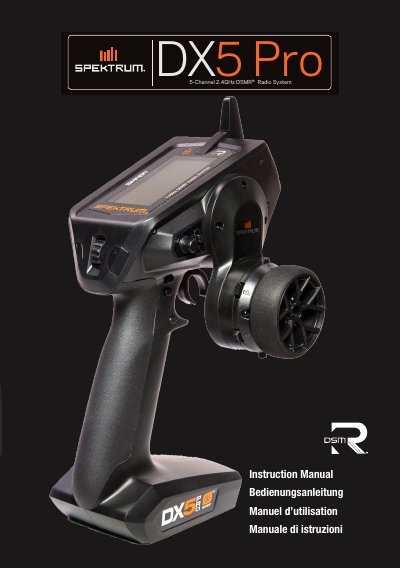
This manual provides step-by-step instructions for operating the Spektrum DX5 Pro 5-channel 2.4GHz DSMR® radio system. It includes safety warnings, setup procedures, and detailed explanations of controls and functions. The manual also covers model registration, firmware updates, and troubleshooting.
The DX5 Pro is compatible with Spektrum DSMR® and DSM2® receivers and includes features like telemetry, mixing, and automatic braking system (ABS) programming. It requires 4 AA batteries and supports Micro SD cards for model transfer and firmware updates.
| Type | Pistol Grip Transmitter |
|---|---|
| Channels | 5 |
| Frequency | 2404 – 2476 MHz |
| Power output (EIRP) | ≤ 18 dBm |
| Input Voltage | 4-8.4V |
| Compatibility | DSM2 and DSMR |
| SD Card Compatible | Micro SD Card |
It uses 4 AA batteries, which are included.
Insert a Micro SD card with the RaceWare™ software, power on the transmitter, and the update will install automatically.
The maximum power output (EIRP) is ≤ 18 dBm.