
This is the Chinese operation manual for the Sony DPP-FP95 digital photo printer, covering setup, printing from various sources, editing, and troubleshooting.
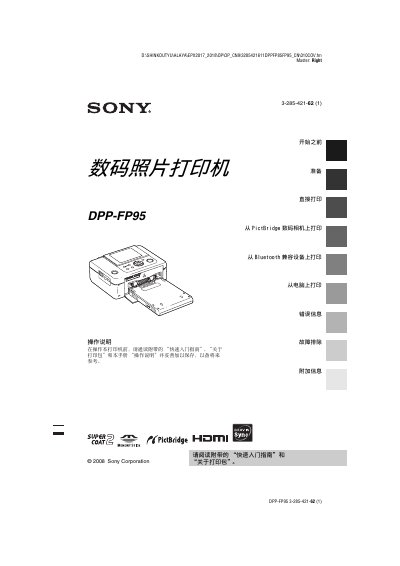
This document serves as the comprehensive operation instructions for the Sony DPP-FP95 Digital Photo Printer. It guides users through initial preparation, including unpacking, installing the print cartridge, loading paper, and connecting power or external devices like cameras and computers.
The manual details various printing modes, such as direct printing from the printer's screen, printing from PictBridge-compatible digital cameras, Bluetooth-enabled devices, and personal computers. It also covers image editing features, layout options, and troubleshooting common issues. This manual is written in Chinese.
The DC IN port is rated for 24 V.