
User manual for Smart Life's Wi-Fi+RF smart switch, covering app setup, Wi-Fi connection, wiring, RF pairing, and multi-control association.
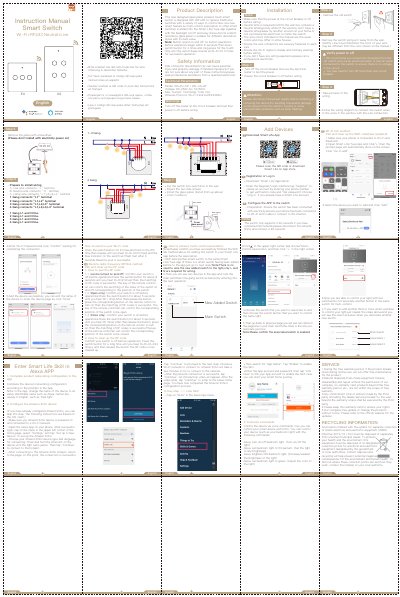
This manual guides users through installing and configuring the Smart Life WS-EU-RF / WS-US-RF smart switch. It covers connecting the switch to Wi-Fi (2.4G only), wiring terminals (L, N, L1-L4), pairing with RF remotes, and setting up multi-control with other switches via the Smart Life app. Safety warnings and installation steps are included for proper electrical handling.
The manual also explains how to integrate the switch with Alexa via the Alexa app, including enabling the skill, linking the app account, and using voice commands to control the device. This manual is written in Chinese.
| Voltage | 90-250V AC, 50/60Hz |
|---|---|
| Max. Current | 10A/Gang; Total 10A |
| Wireless Protocol | Wi-Fi 2.4GHz+RF433MHz |
Ensure your phone is connected to 2.4G Wi-Fi, open the Smart Life/Tuya App, tap '+', select the device, enter Wi-Fi password, and confirm.
Turn off the switch, press the button for 8 seconds until you hear 'Di-Di' (2 times), then the remote can control the switch.