
Quick-start guide for installing the GUI, connecting, and initializing the Skyworks Solutions Si47xx evaluation board.
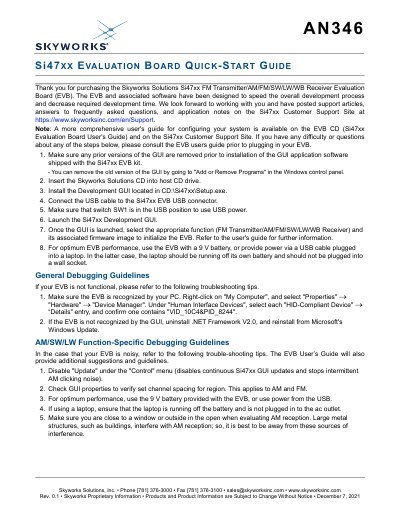
This guide covers initial setup of the Skyworks Solutions Si47xx FM transmitter/AM/FM/SW/LW/WB receiver evaluation board. It lists steps for removing prior GUI versions, installing the development GUI, connecting USB, setting switch SW1, launching the GUI, and selecting firmware to initialize the board.
Additional sections provide general debugging guidance and AM/SW/LW-specific troubleshooting, including Device Manager verification, .NET Framework reinstallation, disabling GUI updates, channel spacing checks, and recommended power and reception conditions.
| USB device ID | VID_10C4&PID_8244 |
|---|---|
| Switch SW1 position | USB |
| Recommended power | 9 V battery or USB power |
Use Add or Remove Programs in the Windows control panel.
In Device Manager, check each HID-Compliant Device details for VID_10C4&PID_8244.
Disable Update under the Control menu and verify channel spacing in GUI properties.
Use USB power from a laptop running on its own battery.