
This guide covers the setup, operation, and software configuration of the Si5386A-E-EB evaluation board for the Si5386 clock generator.
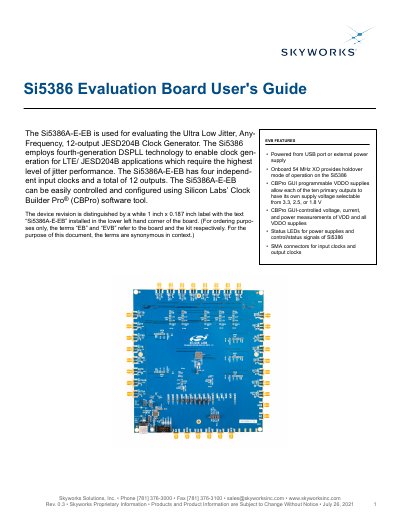
The Si5386A-E-EB is an evaluation board designed for the Si5386 Ultra Low Jitter, Any-Frequency, 12-output JESD204B Clock Generator. It features four independent input clocks and twelve outputs, controlled via Silicon Labs' ClockBuilder Pro software. The board includes onboard power supplies, status LEDs, and SMA connectors for clock signals.
| Number of Outputs | 12 |
|---|---|
| Input Clocks | 4 |
| Recommended XO Frequency | 54 MHz |
| Power Supply | Powered from USB port or external power supply |
The recommended frequency is 54 MHz, though 48.0231 MHz is also supported for Si5386A devices.
Connect a USB cable from the Si5386A-E-EB to the PC where the ClockBuilder Pro software was installed.
The device is controlled using Silicon Labs' ClockBuilder Pro software tool.