
This guide details hardware requirements and setup instructions for configuring 10GbE networks with Signal Hound SM200C and SM435C devices on Windows 10 and…
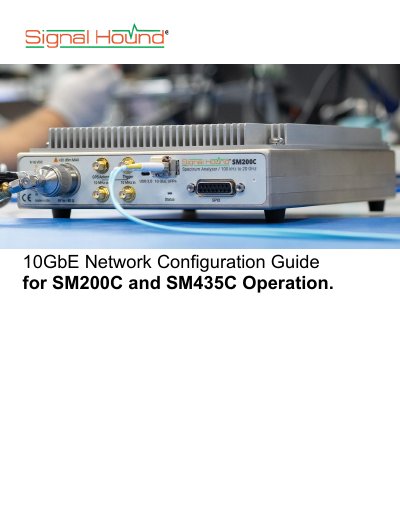
This document serves as a configuration guide for the Signal Hound SM200C and SM435C networked devices, outlining hardware requirements and providing recommendations for networking components. It covers the necessary cabling, transceiver modules, and interface cards required to establish a 10GbE connection.
| Default IP Address | 192.168.2.10 |
|---|---|
| Default Port Number | 51665 |
| Required MTU Size | 9000 bytes |
| Maximum UDP Traffic Buffer | 32MB |
The default IP address is 192.168.2.10.
The MTU must be set to 9000 bytes (jumbo packets).
Signal Hound recommends 10GBASE-SR, LR, ER, and ZR standards.