
This manual covers the operation, preparation, hardware understanding, troubleshooting, calibration, and specifications for the Signal Hound SM200A/B/C…
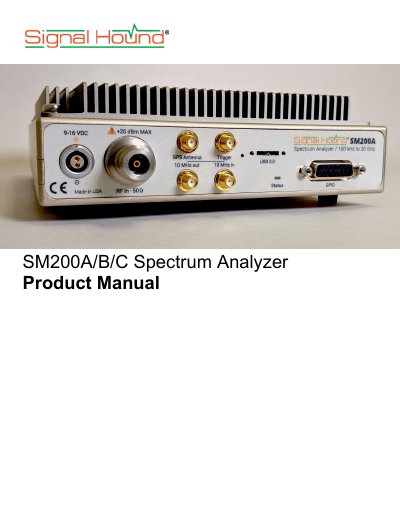
The Signal Hound SM200A/B/C is a real-time, high-speed, high dynamic range, low phase noise spectrum analyzer and spectrum monitor. It communicates with a PC over a high-speed data link and features 160 MHz real-time spectrum analysis bandwidth. The SM200A supports up to 40 MHz I/Q bandwidth over USB 3.0, the SM200B includes 2 GB of internal DDR memory for segmented I/Q capture, and the SM200C uses a 10 GbE SFP+ interface for up to 160 MHz I/Q bandwidth streaming.
| Frequency Range | 100 kHz to 20 GHz |
|---|---|
| Real-time Spectrum Analysis Bandwidth | 160 MHz |
| Sweep Speed | 1 THz/s |
| Sample Rate | 1 billion analog samples per second |
| Operating Temperature | 18 - 28C |
| System Noise Figure (typical) | 11dB from 700MHz to 2.7GHz |
| IP2 | +64dBm from 100kHz to 2GHz |
| IP3 | +28dBm 100kHz to 4GHz |
Windows 7/8/10 (64-bit recommended) and Ubuntu Linux 18.04 (64-bit).
Windows 10 (64-bit recommended) or Ubuntu Linux 18.04 (64-bit) with a Quad core 8th generation or newer i7/i9 processor recommended.
The device requires a 9-16V DC power input, using the included 12V supply or a battery that can source 40 watts.