
Installation, connection, operation and troubleshooting guide for the Shangguangdian CDS-1071 7‑inch car‑mounted LCD monitor.
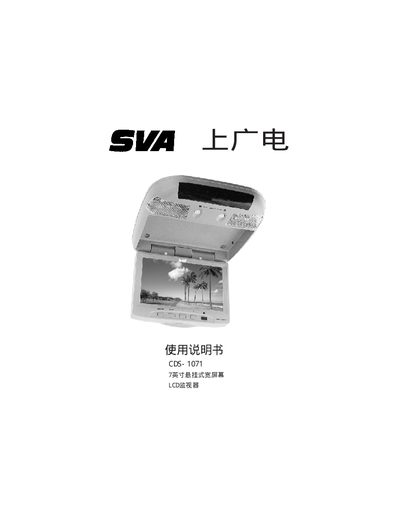
This manual provides step‑by‑step instructions for installing the CDS‑1071 7‑inch wide‑screen LCD monitor in a vehicle, including required accessories, safety warnings, and proper mounting locations. Detailed system‑connection procedures cover power, ground, door‑switch signals and AV input wiring.
Operating instructions describe how to use the remote control and front‑panel keys to switch video sources, adjust brightness, color, and screen modes, as well as how to use the built‑in FM infrared transmitter for wireless audio. Fault troubleshooting and technical specifications are listed at the end of the document. This manual is written in Chinese.
The monitor must be powered from a +12 V DC source.
Press the SETUP key, select BRIGHT, then use the +/- keys to increase or decrease brightness.
Check that the video input cables are correctly connected and press the SOURCE key to select the proper AV input; also ensure the ambient temperature is within the operating range.