
This document is a product manual that introduces the features and characteristics of a certain brand and model of product
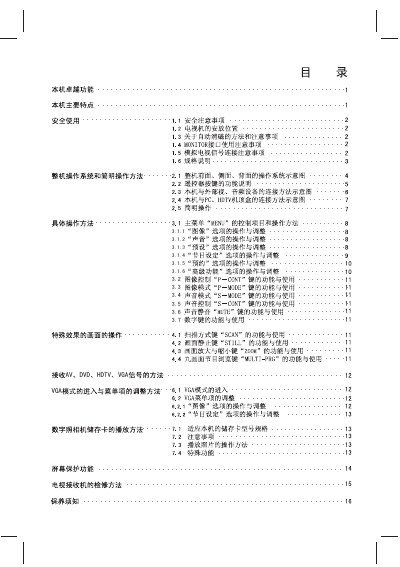
This manual covers the AV/DVD/HDTV/VGA television’s various input options such as S‑VHS, AV1, AV2, VGA, RF, and audio channels, and shows how to connect external devices like CF, SD/MMC, and memory sticks. It also details the remote‑control layout, including POWER, MENU, PIP, and volume keys, and explains how to navigate the on‑screen menus for picture, audio, and photo display settings.
Additional sections describe picture‑mode selections (SECAM, PAL, NTSC), photo‑display zoom functions, and the use of the remote’s directional keys for menu navigation. The document provides step‑by‑step instructions for turning the TV on/off, selecting input sources, and adjusting picture settings. This manual is written in Chinese.
| Model | 3.1.1 |
|---|---|
| Supported Memory Cards | CF, SM, MS, SD/MMC |
Use the AV/VIDEO input selector on the remote or front panel to choose S‑VHS, AV1, AV2, VGA, or RF.
The TV supports CF, SM, MS, and SD/MMC cards.