
Quick start guide for the SecureLinx Spider Duo KVM/IP device, covering installation, network setup, web configuration, and basic operation.
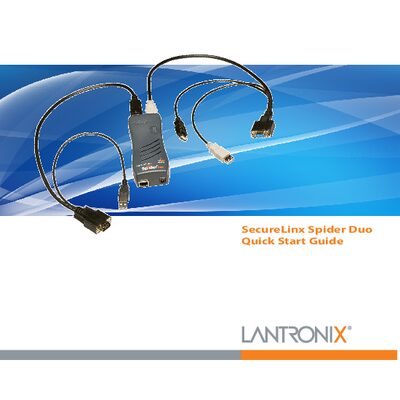
The SecureLinx Spider Duo is a distributed KVM/IP device that lets a local or remote user monitor and control a single target computer. It supports both PS/2 and USB keyboard/mouse interfaces and provides color‑coded connectors for easy cabling.
This Quick Start Guide walks you through hardware installation, network configuration, web‑based setup, target computer connection, and basic operation steps such as login, logout, and power‑control unit usage.
| Ethernet port | 10/100 Ethernet (RJ45) |
|---|---|
| Default serial port settings | 9600 bps, 8 data bits, no parity, 1 stop bit, no flow control |
| Power supply | External AC/DC power supply (optional PCU100-01) |
The default username is sysadmin and the default password is PASS.
Open a web browser and navigate to https://