
Key facts
- Manuals
- 2
- Languages
- EN
- Last added
- 2026-09-28
Featured SecureLinx manuals
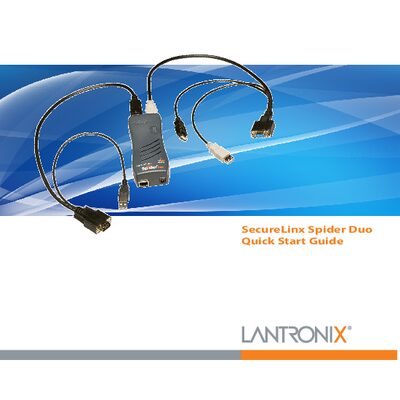
SecureLinx Spider Duo Quick Start Guide
The SecureLinx Spider Duo is a distributed KVM/IP device that lets a local or remote user monitor and control a single target computer. It supports both PS/2 and USB keyboard/mouse interfaces and provides color‑coded connectors for easy cabling.
This Quick Start Guide walks you through hardware installation, network configuration, web‑based setup, target computer connection, and basic operation steps such as login, logout, and power‑control unit usage.
Covers: Overview · What’s In The Box · Installation and Network Settings · Spider Duo Web Configuration · Target Computer Setup · Client System Requirements
Latest SecureLinx manuals
SecureLinx Spider Duo Quick Start Guide
Quick Start Guide 20 pages · 1.6 MB · ENQuick start guide for the SecureLinx Spider Duo KVM/IP device, covering installation, network setup, web configuration, and basic operation.
SecureLinx Spider SpiderDuo User Guide
The SecureLinx Spider/SpiderDuo User Guide introduces the features and characteristics of the SecureLinx Spider (USB) and SecureLinx SpiderDuo (PS/2), including interfaces, installation, configuration, and management.
Which document do I need?
Quick Start Guide
The shortest path to a working setup, usually only a few pages.
Questions answered in SecureLinx manuals
What are the default login credentials?
The default username is sysadmin and the default password is PASS.
How can I access the Spider Duo web configuration interface?
Open a web browser and navigate to https://<IP> for a secure SSL connection or http://<IP> for an insecure connection.