
The SecureLinx Spider/SpiderDuo User Guide introduces the features and characteristics of the SecureLinx Spider (USB) and SecureLinx SpiderDuo (PS/2), including interfaces, installation, configuration, and management.
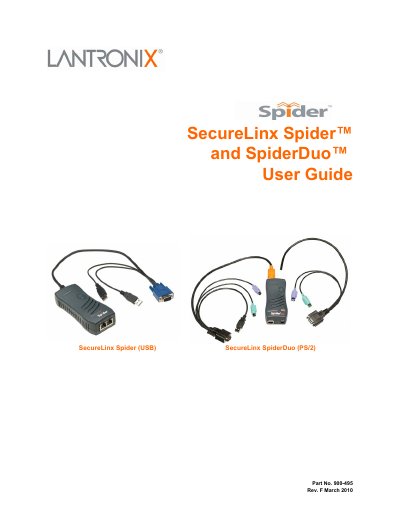
This guide covers the Spider and SpiderDuo families, describing their features, functionality, and system configuration. It includes technical specifications, cable dimensions, and product label information for both models.
Installation chapters walk you through package contents, detector setup, cable connections, and power sequencing for both the Spider (USB) and SpiderDuo (PS/2). Subsequent sections detail web‑browser access, remote console operation, interface settings, user account management, security services, maintenance tasks, and a full command reference for advanced configuration.
See the "Installing the Spider" chapter, which explains package contents, detector installation, IP address reset, and cable connections.
The "Web Browser Access" section describes the steps to open the KVM console via a browser.
Firmware downloads are available on the Lantronix support site as noted in the warranty and technical support sections.
Use the "Unit Reset" procedure described in the Maintenance chapter.