
This user guide provides instructions for the SAP Concur mobile app on iOS, covering download, sign-in, settings, help, and feedback features.
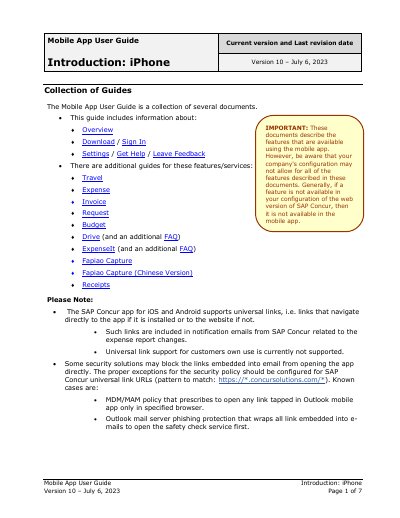
The document serves as a collection of guides for the SAP Concur mobile application, specifically designed for iPhone Version 10. It assists users with managing expenses, travel, invoices, and requests directly from their mobile devices. The guide assumes prior familiarity with the web version concepts and provides brief 'how-to' steps for common tasks.
You can use the app to assist with Expense, Travel, Invoice, and Request needs.
You can use your verified work email or SAP Concur username, or Single Sign On if configured.
You can save your username, automatically sign in, turn on Touch ID or Face ID, and clear the cache.