
SAP Concur Mobile App User Guide iPhone Version 9.90

This guide provides instructions for downloading, signing in, and using the SAP Concur mobile app for iPhone Version 9.90, covering features like Expense…
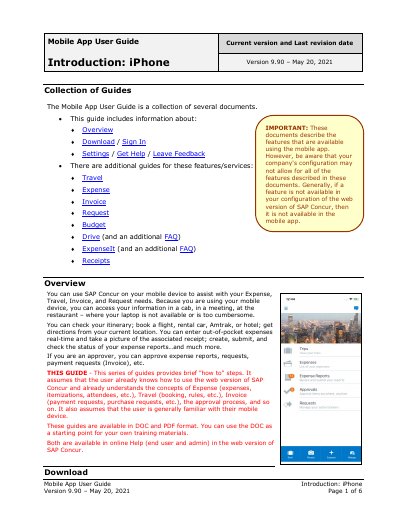

SAP Concur Mobile App User Guide iPhone Version 9.90 - cover page
Brand
SAP
Category
Other software
Document type
User Manual
Language
English
Pages
6
File format
PDF
File size
829 KB
Published
17 October, 2026
Updated
17 October, 2026
MD5 checksum
B3EDD70CC2504B901F7E4973B506C445

About this manual

This document serves as a user guide for the SAP Concur mobile app, specifically for iPhone Version 9.90. It outlines how to download the application, sign in using various methods including Single Sign-On (SSO) or a PIN, and navigate the home screen to access trips, expenses, and approvals. The guide assumes users are already familiar with the web version concepts.

What's inside

  • Introduction
  • Download / Sign In
  • Settings
  • Get Help
  • Leave Feedback
  • Message Center

Frequently asked questions

What is the current version and revision date of this guide?

The document covers iPhone Version 9.90, which was last revised on May 20, 2021.

What are the requirements for signing in to the app?

Users must enter their verified work email or SAP Concur username and password.

What happens if a feature is not available in the web version?

That same feature will also be unavailable in the mobile app.

Download PDF (829 KB)

More SAP Manuals


View all SAP manuals →