
Installation and configuration guide for SAP GUI 7.80 Java on Mac OS, including server landscape setup.
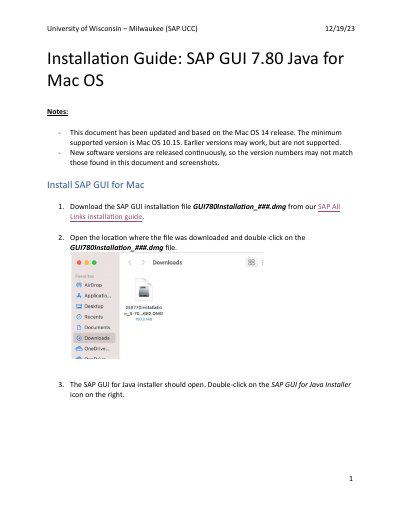
This document provides step-by-step instructions for installing SAP GUI 7.80 Java on Mac OS. It covers downloading the installation file, running the installer, and completing the setup process. The guide notes that the content is based on the Mac OS 14 release, with a minimum supported version of Mac OS 10.15.
The minimum supported version is Mac OS 10.15.
It is typed or pasted in the SAP UI Landscape box under Web AS in the Log On section.
Leave the default entries and press Install.
Navigate to Applications > SAP Clients > SAPGUI 7.80.