
Key facts
Start here
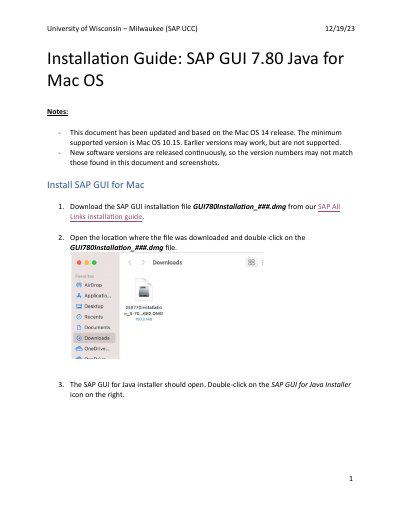
SAP GUI 7.80 Java Installation Guide for Mac OS
Installation Guide 6 pages · 1.3 MB · EN
This document provides step-by-step instructions for installing SAP GUI 7.80 Java on Mac OS. It covers downloading the installation file, running the installer, and completing the setup process. The guide notes that the content is based on the Mac OS 14 release, with a minimum supported version of Mac OS 10.15.
Read onlineAll SAP 7.80 documents by type
Installation Guide 2
Mounting, wiring and first power-up. Read it before the hardware goes in.
Questions answered in these manuals
What is the minimum supported Mac OS version for SAP GUI 7.80 Java?
The minimum supported version is Mac OS 10.15.
Where is the SAP UI Landscape link entered in SAPGUI Settings?
It is typed or pasted in the SAP UI Landscape box under Web AS in the Log On section.
What is the minimum supported Mac OS version for SAP GUI 7.80 Java?
The minimum supported version is Mac OS 10.15.
What URL should be entered in the SAP UI Landscape box?
http://gui.ucc.uwm.edu/sapgui/SAPUILandscapeGlobal.xml