
Key facts
- Manuals
- 2
- Brands
- 1
- Languages
- JA
- Last added
- 2014-03-18
Featured Flash manuals
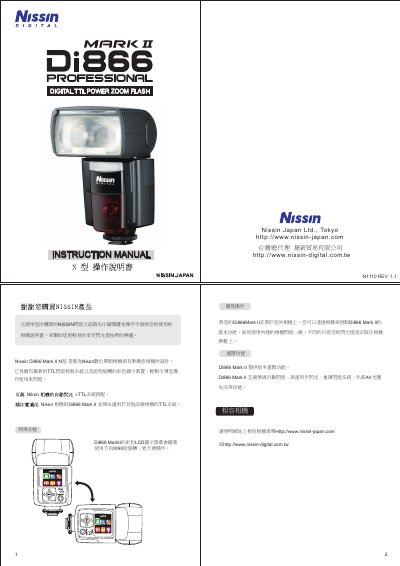
Nissin Di866 Mark II User Manual
This manual explains how to install, power, and safely operate the Nissin Di866 Mark II flash. It is designed primarily for Nikon DSLR cameras with TTL flash control, but can also be used on non‑hot‑shoe cameras via an X‑type connector. Safety warnings and battery‑handling procedures are included.
The guide covers basic and advanced functions such as wireless TTL modes, zoom range, flash power levels, USB firmware updates, and optional accessories like power packs and extension cables. Detailed specifications, dimensions, and battery information are provided for proper setup and maintenance. This manual is written in Japanese.
Covers: Safety Instructions · Battery Installation · Advanced Functions · Wireless TTL Control · USB Interface · Specifications
Latest Flash manuals
ACE ACE25C160G Flash
The ACE25C160G (16M-bit) Serial flash supports the standard Serial Peripheral Interface (SPI), and supports the Dual/Quad SPI: Serial Clock, Chip Select, Serial Data I/O0 (SI),I/O1 (SO), I/O2 (WP#), and I/O3 (HOLD#). The Dual I/O data is transferred with speed of 240Mbits/s and the Quad I/O & Quad output data is transferred with speed of 480Mbits/s.
Nissin Di866 Mark II User Manual
User Manual 10 pages · 2.9 MB · JAThe Nissin Di866 Mark II User Manual provides operating instructions, safety guidelines, and setup details for the flash unit compatible with Nikon cameras.
Which document do I need?
User Manual
Day-to-day operation, settings and troubleshooting. Start here if the product is already set up.
Questions answered in Flash manuals
How can the flash firmware be updated?
Connect the flash to a computer with a standard USB cable and use the Nissin website to download and install updates.