
The Samsung SHS-P718 biometric door lock user manual provides installation, registration, operation, and maintenance instructions.
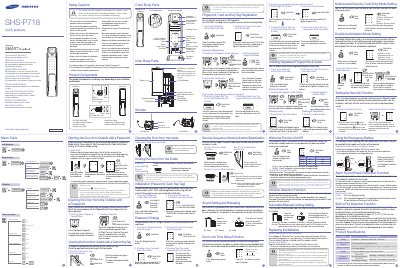
The SHS-P718 is a biometric door lock featuring fingerprint, card/key‑tag, password entry, welcome function, silent mode, fire detection, and double‑authorization security. It operates with AA 1.5 V batteries and includes an optional 9 V emergency power source.
This manual explains how to install the lock, register up to 100 fingerprints and 30 cards/key‑tags, change passwords, replace batteries, configure security and sound settings, and troubleshoot common issues.
| Battery type | AA Alkaline 1.5 V (LR6) 4 EA or 8 EA (6 V) |
|---|---|
| Emergency power source | 9 V Battery (6LF22) |
| Operation method | Electronic control (password, fingerprint, card, key‑tag) |
| Weight | 3.9 kg (including inner and outer bodies) |
| Outer body dimensions | 85 mm W × 387 mm H × 61 mm D |
| Inner body dimensions | 86 mm W × 354.8 mm H × 63 mm D |
Up to 100 fingerprints can be registered.
Up to 30 cards or key tags can be registered.
The lock uses AA 1.5 V alkaline batteries (4 or 8 cells) and an optional 9 V emergency battery.