
Rotel RC-1572 stereo control amplifier owner's manual covering safety, connections, controls, remote use, setup menu, troubleshooting, and specifications.
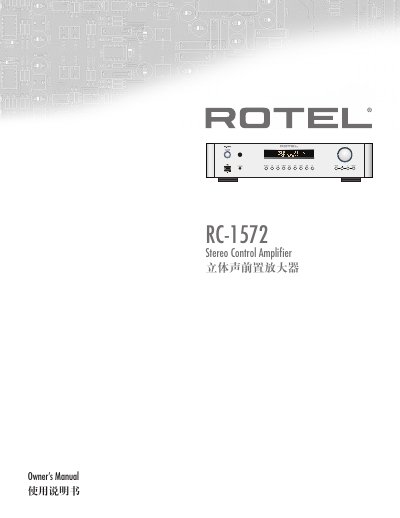
The Rotel RC-1572 Owner’s Manual begins with important safety instructions, including power requirements for the US, Europe, and China, and balanced XLR pin assignments. It then presents diagrams for controls and connections, the RR-AX93 remote control, analog and balanced inputs and outputs, digital inputs, Rotel Link and 12V trigger connections, and the front USB input.
The manual covers placement, cables, the RR-AX93 remote control and its batteries, AC power and control, input and output connections, audio and tone controls, display dimming, Rotel Link, external remote input, RS232, PC-USB, and network connection. It also includes a setup menu, troubleshooting topics such as no power, fuse replacement, no sound, and Bluetooth connection, plus a specifications section. This manual is written in Chinese.
| Power requirements | US: 120V/60Hz; Europe: 230V/50Hz; China: 220V/50Hz |
|---|---|
| Balanced XLR pin assignment | Pin 1 ground/shield; Pin 2 non-inverting/positive/hot; Pin 3 inverting/negative/cold |
The manual lists 120V/60Hz for the US, 230V/50Hz for Europe, and 220V/50Hz for China.
Pin 1 is ground/shield, pin 2 is non-inverting/positive/hot, and pin 3 is inverting/negative/cold.
No. The 12V trigger cable overrides Rotel Link commands, so do not connect it when Rotel Link is connected.
Turn off all system components before connecting any device, including speakers, and before changing any system connections.