
Rockwell Automation selection guide introducing PanelView 5310 operator-interface terminals that monitor and control devices over an EtherNet/IP network.
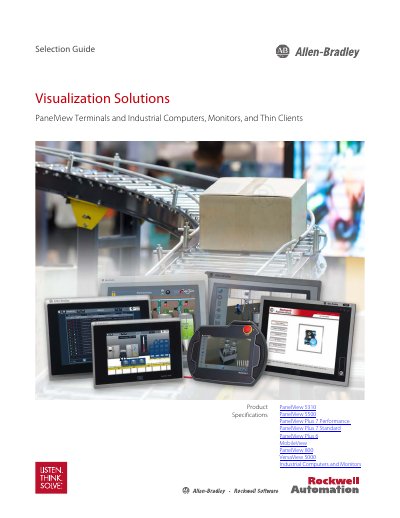
This selection guide from Rockwell Automation (publication VIEW-SG001T-EN-P, May 2018) covers visualization products: PanelView terminals, industrial computers, monitors, and thin clients. The opening pages explain how to choose products for machine-level and site-level control, with questions to consider such as which controller and communication network the terminal connects to, which runtime version it must support, and which terminal size and screen count are needed.
The guide introduces the PanelView 5310 terminals as operator-interface terminals for small- to medium-sized applications. They monitor and control devices attached to ControlLogix 5570, ControlLogix 5580, CompactLogix 5370, and CompactLogix 5380 series controllers over an EtherNet/IP network, and animated graphic and text displays give operators a view into the operating state of a machine or process. Operators interact with the control system through the touch screen or keypad. For complete technical specifications, certifications, and environmental specifications, the guide points to the PanelView 5310 Specifications Technical Data, publication 2713P-TD001.
| Application size | Small- to medium-sized applications |
|---|---|
| Compatible controllers | ControlLogix 5570, ControlLogix 5580, CompactLogix 5370, and CompactLogix 5380 series controllers |
| Communication network | EtherNet/IP |
| Operator input | Touch screen or keypad |
| Display content | Animated graphic and text displays |
| Detailed specifications reference | PanelView 5310 Specifications Technical Data, publication 2713P-TD001 |
They monitor and control devices attached to ControlLogix 5570, ControlLogix 5580, CompactLogix 5370, and CompactLogix 5380 series controllers over an EtherNet/IP network.
Operators interact with the control system by using the touch screen or the keypad of the terminal.
In the PanelView 5310 Specifications Technical Data, publication 2713P-TD001.