
Rockwell Automation 1756 Logix 5000 Controllers Messages Programming Manual

Programming manual for message (MSG) instructions to and from Logix 5000 controllers.
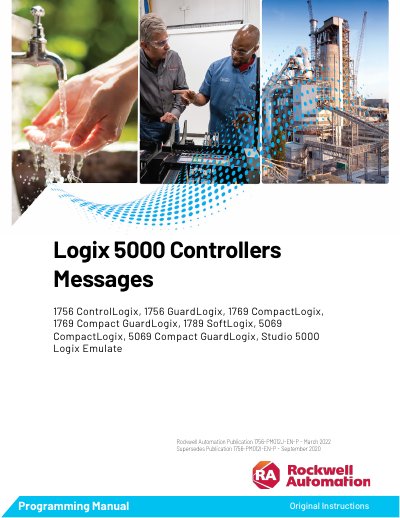

Rockwell Automation 1756 Logix 5000 Controllers Messages Programming Manual - cover page
Brand
Rockwell Automation
Category
Automation control Equipment
Document type
Programming Manual
Language
English
Pages
34
File format
PDF
File size
1.7 MB
Published
21 November, 2026
Updated
21 November, 2026
Model
1756
MD5 checksum
0EFB4F8C753E919809FE2E0281562B3A

About this manual

This manual shows how to program message (MSG) instructions to and from Logix 5000 controllers. It covers 1756 ControlLogix, 1756 GuardLogix, 1769 CompactLogix, 1769 Compact GuardLogix, 1789 SoftLogix, 5069 CompactLogix, 5069 Compact GuardLogix, and Studio 5000 Logix Emulate, along with message queue, cache, unconnected buffers, and conversion between INT and DINT data.

It also explains message manager logic and sending a message to multiple controllers, including configuring I/O configuration, creating the MESSAGE_CONFIGURATION data type and configuration array, and managing message sequences.

What's inside

  • Introduction to Controller Messages
  • Message Queue
  • Cache list
  • Unconnected buffers
  • Convert between INTs and DINTs
  • Message manager logic
  • Configure the I/O configuration
  • Create the MESSAGE_CONFIGURATION data type
  • Create the configuration array
  • Send a message to multiple controllers

Frequently asked questions

What does this manual show how to program?

It shows how to program message (MSG) instructions to and from Logix 5000 controllers.

Which controllers does this manual cover?

It covers 1756 ControlLogix, 1756 GuardLogix, 1769 CompactLogix, 1769 Compact GuardLogix, 1789 SoftLogix, 5069 CompactLogix, 5069 Compact GuardLogix, and Studio 5000 Logix Emulate.

Where can Rockwell Automation publications be viewed or downloaded?

They can be viewed or downloaded at http://www.rockwellautomation.com/literature.

Download PDF (1.7 MB)

More Rockwell Automation Manuals


View all Rockwell Automation manuals →