
RICOH SP C250DN/SP C252DN Color Laser Printer Getting Started Guide

Step-by-step guide to set up and connect RICOH SP C250DN/SP C252DN color laser printer via USB, Ethernet, or Wi-Fi.
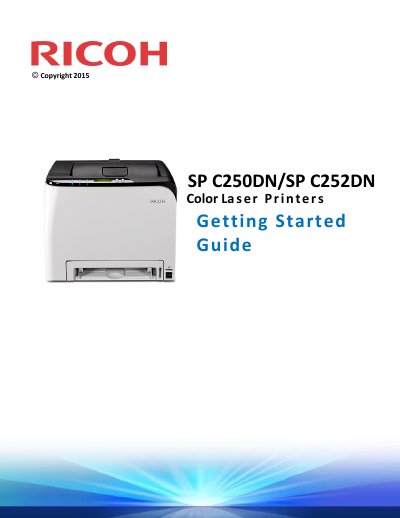

RICOH SP C250DN/SP C252DN Color Laser Printer Getting Started Guide - cover page
Brand
Ricoh
Category
Printer
Document type
User Manual
Language
Chinese
Pages
42
File format
PDF
File size
2.3 MB
Published
21 November, 2026
Updated
21 November, 2026
MD5 checksum
057BEC79F5721F5138AC1B2AAEE0032A

About this manual

This guide walks you through initial setup, including unpacking, choosing connection methods, and installing drivers. It covers USB, wired Ethernet, and wireless Wi-Fi connections with detailed steps. Also includes printer settings navigation and safety notes. For advanced features, refer to the Operating Instructions. This manual is written in Chinese.

What's inside

  • Before You Begin
  • Connect Printer
  • Install Printer Driver
  • Print Test Page
  • Appendix: Printer Specifications

Frequently asked questions

What does this guide explain how to do?

It explains how to connect the network-ready printer to a computer, install provided software, and perform basic print operations.

What cable is needed for a USB connection?

A user-supplied USB 2.0 cable (Type B).

Can the printer use wired Ethernet and wireless LAN at the same time?

No, it cannot connect to a wired (Ethernet) network and wireless LAN simultaneously.

What does a router need for the PBC (WPS) wireless setup method?

It must support Wi-Fi Protected Setup and have a dedicated WPS button.

Download PDF (2.3 MB)

More Ricoh Manuals


View all Ricoh manuals →